All help topics
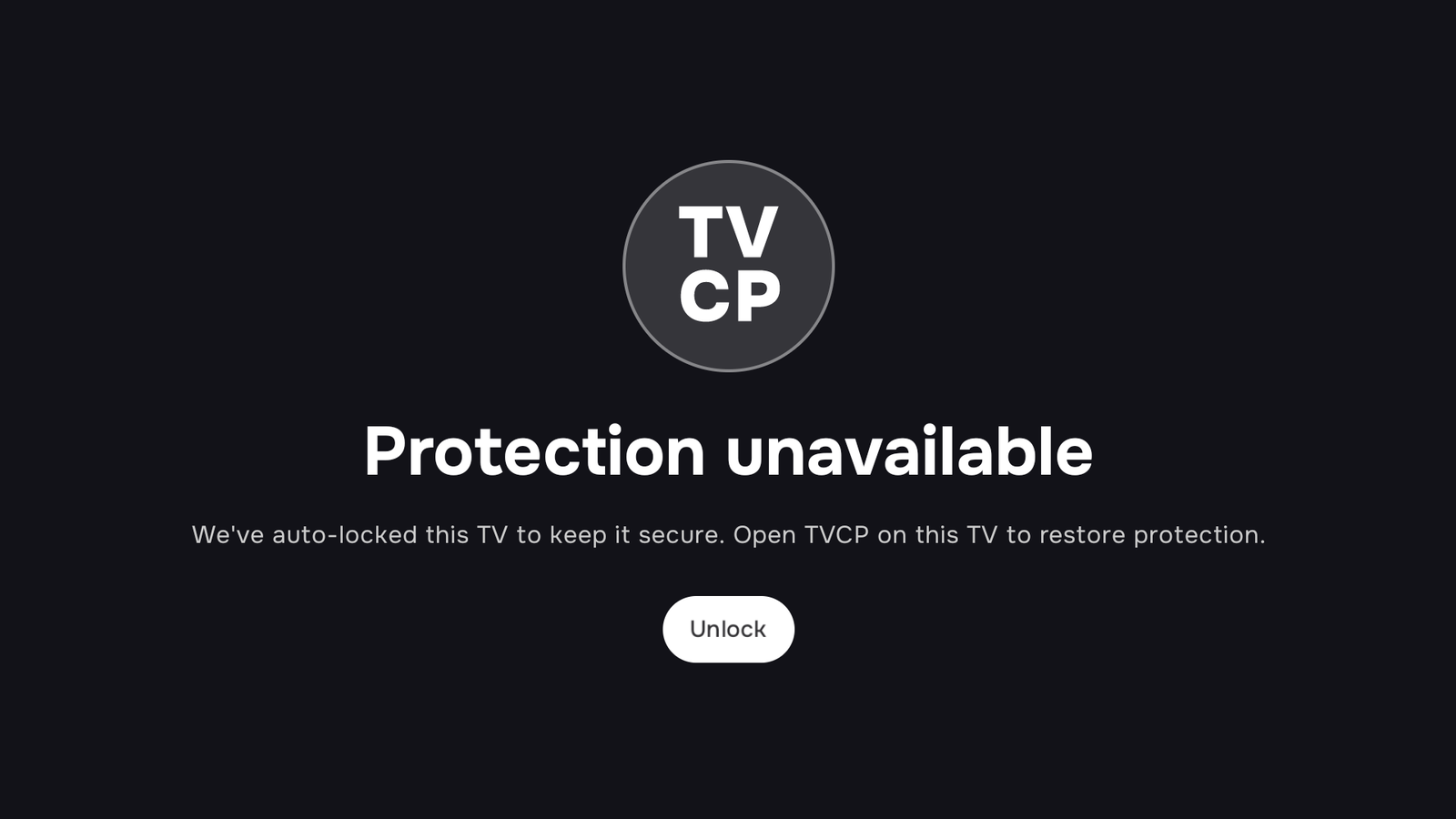
The TV says "Protection unavailable"
Short answer: This only happens on TVs with Advanced Protection. The debugging link it uses has dropped, so TVCP locked the TV to keep it secure. Open TVCP on the TV to restore protection, or turn debugging back on.
Updated
Advanced Protection works through the TV’s debugging setting. If that link drops, for example because debugging was turned off in the TV’s settings, TVCP locks the TV so it isn’t left unprotected. The TV shows Protection unavailable and We’ve auto-locked this TV to keep it secure. Open TVCP on this TV to restore protection.
At the same time, the Guardian app on your phone shows Advanced Protection needs re-setup or Advanced Protection paused.
Check these, in order
- On the TV: open TVCP. Often that’s all it takes to restore protection.
- On your phone: tap the Advanced Protection needs re-setup message and follow the steps. They show where debugging is on your TV.
- On the TV: check that USB debugging is still on in Developer options (on some TVs it is called Debugging). Turn it on if it’s off. The full steps are in Advanced Protection.
- When the TV asks to allow debugging, choose Always allow, then OK.
- Restart the TV completely if it still says Protection unavailable: unplug it for 30 seconds and plug it back in, then open TVCP once.
If you’d rather not use Advanced Protection
You can switch it off. In the Guardian app, tap the round button with your initials at the top of the Home screen to open Settings, tap your TV under Devices, then Advanced Protection, and choose Turn off Advanced Protection. The app confirms Advanced Protection turned off, and your TV stays protected by the standard setup.
Next steps
Advanced Protection (optional): turn on debugging on your TV
What Advanced Protection adds, and how to turn on debugging in the TV's Developer options to set it up.
The TV stays locked
Work out what locked the TV (a schedule, a timer or a lock from your phone) and how to unlock it.
My TV isn't responding to the app
What to do when the Guardian app can't reach your TV or shows it as offline.